OSC stands for Open Sound Control. It's a protocol used for networking sound synthesisers, computers, and other multimedia devices. OSC is designed to be more flexible and expressive than MIDI (Musical Instrument Digital Interface), allowing for high-precision control over networks like Ethernet or Wi-Fi. Similar to MIDI, OSC can be used to control MaestroDMX in real-time. Industry-standard controllers, such as lighting desks and architectural lighting control systems, can output OSC to control MaestroDMX over a network.
TouchOSC is a great 3rd-party app that allows user created custom OSC-based interfaces to control MaestroDMX. TouchOSC runs on PCs, tablets, and phones. For example, a restaurant or bar could have a tablet touch screen mounted to the wall with single buttons to switch between colours, or ambient to party looks. You can easily create a TouchOSC interface that has one slider for stage brightness, and 3 buttons to trigger different cues in MaestroDMX representing different vibes for the evening that could be ‘Static’, ‘Chill, or ‘Party’. TouchOSC allows you to do this with ease.
Here is a TouchOSC Interface we have made for you to try out and modify as you desire:
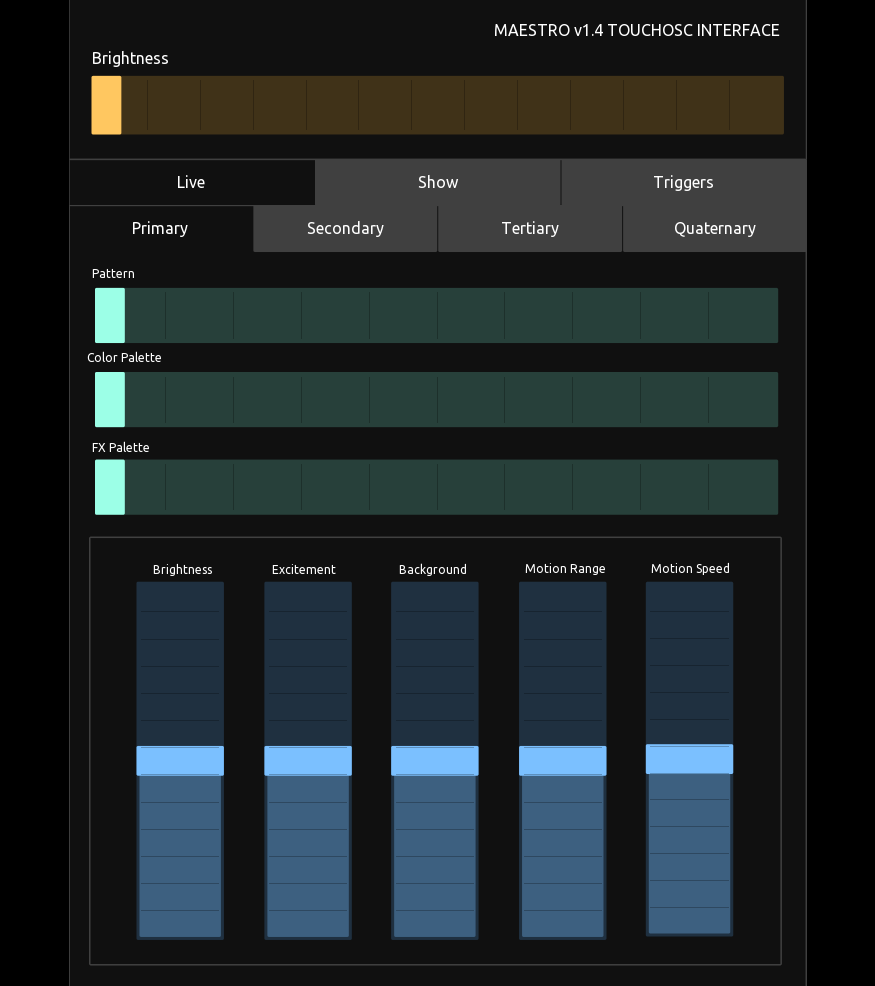
To learn more about how to set up a Touch OSC from scratch, you can watch these videos-
To make or modify your TouchOSC interface, you will need to read our TouchOSC Specs found here -
Open Sound Control (OSC) Specification - v1.4
To connect MaestroDMX to Touch OSC, press the link icon

And fill out the OSC section.
MaestroDMX Default Network Information:
Ethernet: 10.0.0.200
Wifi: 192.168.37.1
Hostname: maestro.local
Port: 7672
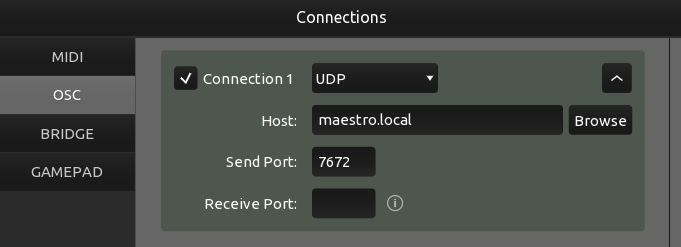
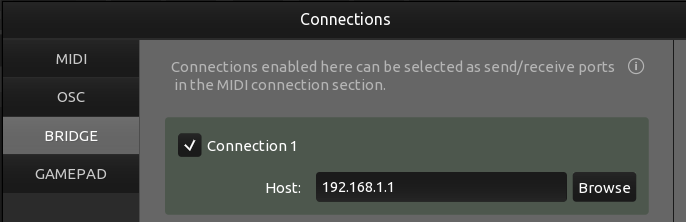
Note: The above information is modifiable via the WIFI and NETWORK control in MaestroDMX. Be sure to confirm the correct settings.
Was this article helpful?
That’s Great!
Thank you for your feedback
Sorry! We couldn't be helpful
Thank you for your feedback
Feedback sent
We appreciate your effort and will try to fix the article